

How to Create a Virtual Album (Chest)?
Collect thousands of photos taken at your weddings, engagements, or special days in one place. With FotoChest, let your guests share the photos they take with you securely and in original quality.
Don't Lose Your Photos, Collect Your Memories.
Everyone takes photos on your special days, but at the end of the day it can be difficult to access these photos. FotoChest allows you to collect everyone's photos in a single pool thanks to the digital chest (Chest) you create. You will not experience quality loss as in platforms like WhatsApp.
Original Quality
Your photos are stored in the quality they were taken, without compression.
Secure Storage
Your memories are kept on our secure servers, only people you invite can access.
Quick Share with QR
With the QR code you place on the tables, your guests can upload photos without downloading an app.
Bulk Download
At the end of the event, you can download all photos to your device with a single click.

Start Now, Try for Free
Stepping into the world of FotoChest is very easy. You can create an account immediately by registering for free.
We offer you a Free Plan so you can experience the system without making any payment. With this plan, you can immediately create a Chest and test its features.

Add Chest and Plan Selection
Start the album creation wizard by clicking the "Add Chest" button in your dashboard. The wizard will guide you step by step:
- Give a Name: Give your album a name (e.g., Ayse & Ali Wedding)
- Select a Date: Determine the organization date.
- Plan Selection: Choose one of the Free or Pro plans according to your needs.
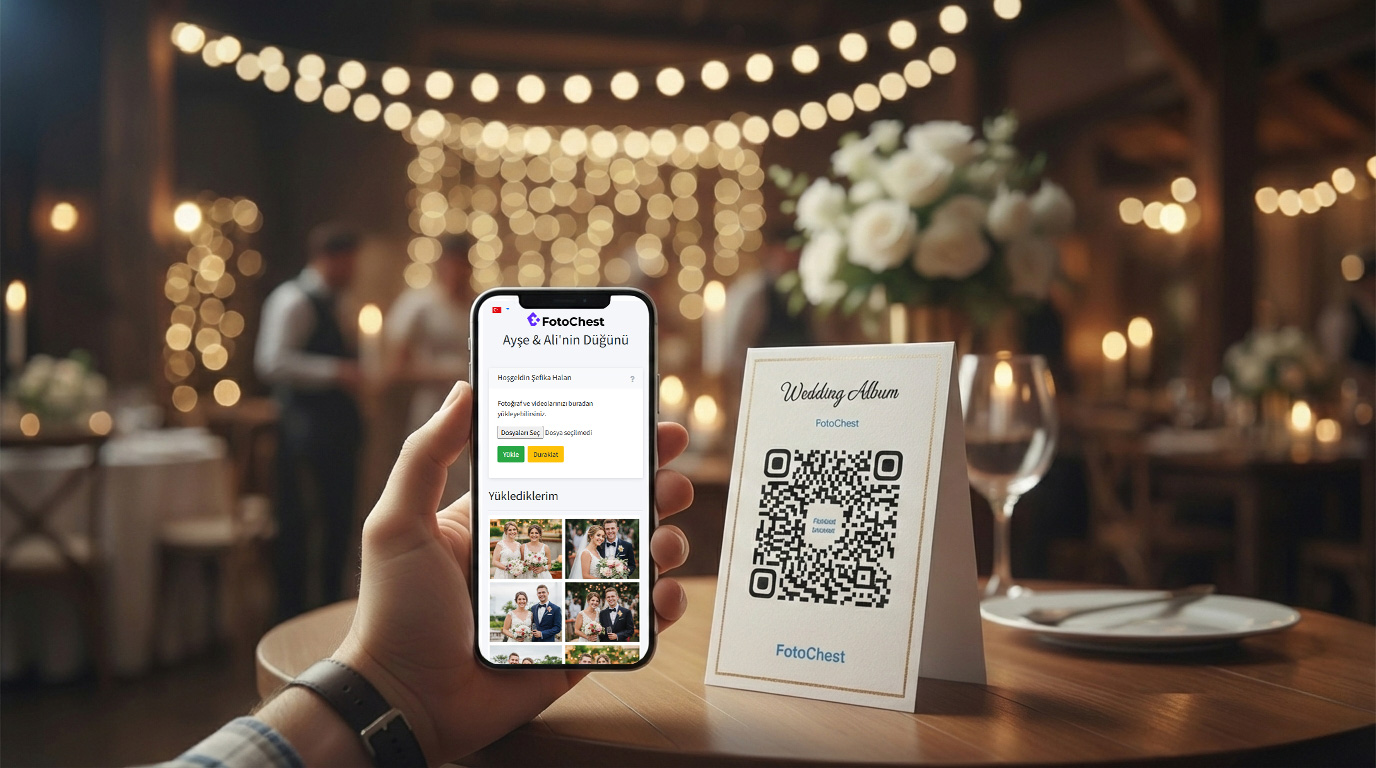
Invitation with QR Code or Link
Your album is ready! Now it's time to invite your guests to upload their photos. You can place the Special QR Code created for you on the tables or send the Invitation Link via WhatsApp/SMS.
What Do Your Guests See?
When your guests scan the QR code or click the link, they are directed directly to the photo upload page. They only need to enter their name so you can recognize them. They do not need to download an app or register.
Your Memories are Safe
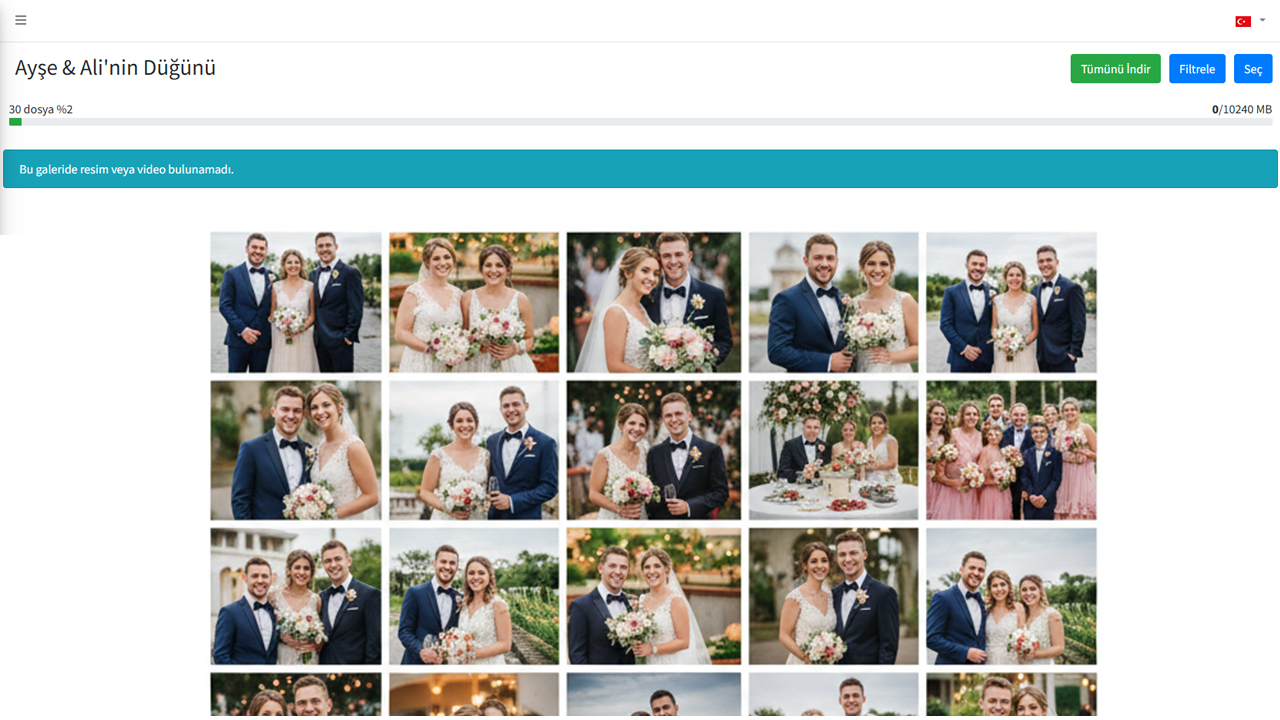
All uploaded photos instantly appear on your Gallery page. From here, you can view the photos, make a slideshow, or delete those you don't want.
- Locking: When the event is over, you can lock the album to stop new uploads.
- Bulk Download: After the gallery is locked, you can download all photos at once (as a Zip file).
Collect Your Memories Before They Get Lost!
Immortalize your most special moments with FotoChest. Create your free album now.
Create Free Chest